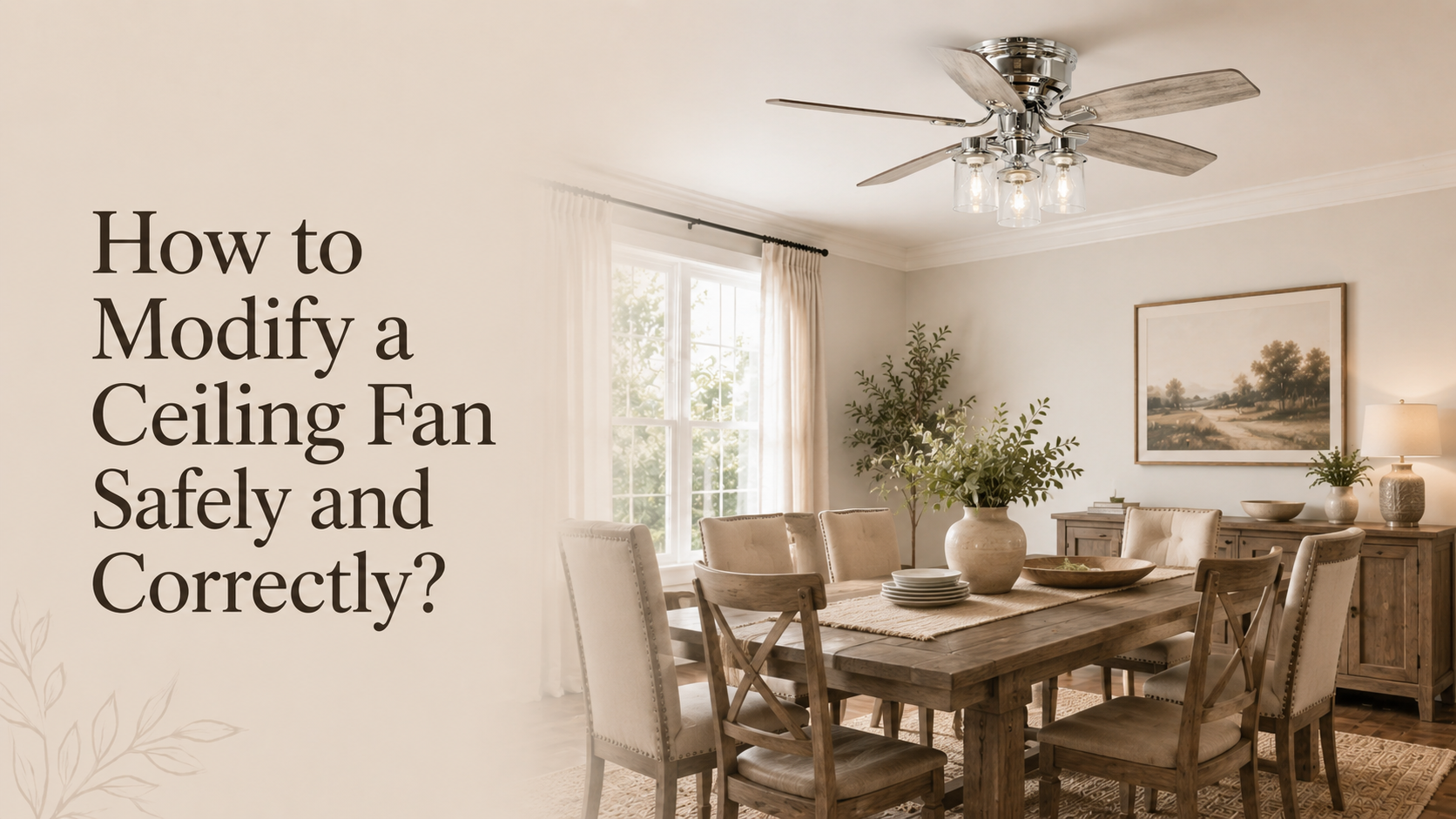


A ceiling fan becomes “smart” when you can control it through a mobile app, voice assistant, or automation system instead of only using a traditional wall switch or pull chain.
In most American homes, ceiling fans are still controlled in a simple way:
- A wall switch turns power on or off
- A pull chain or remote controls speed and light
- Manual adjustments are needed every time
Parrot Uncle is a U.S.-based home brand best known for ceiling fans, and lighting solutions that improve comfort and elevate the look of everyday spaces.A smart switch changes this behavior by adding a connected control layer between the electrical system and the fan. This allows remote operation, scheduling, and sometimes integration with smart home platforms like Alexa or Google Home.
However, it is important to understand one key point. A smart switch does not automatically turn every ceiling fan into a fully smart device. The final result depends on wiring, fan motor type, and system compatibility.

How a Smart Switch Controls a Ceiling Fan
A smart switch replaces the traditional wall switch and acts as a control hub for the fan.
Basic working process
- Electricity flows from breaker panel to smart switch
- Smart switch controls power or load output to fan
- User sends command through app or voice assistant
- Switch responds by turning fan on or off
Some advanced smart switches can also manage:
- Fan on and off control
- Light on and off control (if separately wired)
- Limited fan speed control (depending on fan compatibility)
But not every ceiling fan supports full speed control from an external switch. Many fans still rely on internal motors or remote receivers for speed adjustment.
What You Need Before Installing a Smart Switch
Before upgrading a ceiling fan, it is important to check several real world conditions in your home.
1. Wiring condition in the wall box
You typically need:
- Line wire (power in)
- Load wire (to fan)
- Neutral wire (required for most smart switches)
- Ground wire (safety connection)
Without a neutral wire, many smart switches cannot operate properly or will require special versions with limited features.
2. Fan type and control system
Ceiling fans fall into different categories:
- Basic fans with no remote system
- Fans with built in remote receiver
- Modern fans with smart control features
Each type reacts differently when connected to a smart switch.
3. Load capacity compatibility
Ceiling fans draw different power levels depending on size and motor type. The switch must support the electrical load safely.
Is Every Ceiling Fan Compatible with Smart Switches
Not all ceiling fans can be fully controlled by smart switches. Compatibility depends on electrical design and motor structure.

Compatible scenarios
- Fan has separate wires for fan and light
- Fan does not use proprietary remote system
- Neutral wire is available in wall box
- Motor supports external power control
Limited compatibility scenarios
- Fan uses integrated remote receiver module
- Fan speed is controlled internally only
- Older wiring systems without neutral wire
In limited cases, the smart switch may only provide basic on and off control.
Smart Switch vs Smart Ceiling Fan Systems
It is important to understand the difference between upgrading a switch and using a built in smart fan system.
| Feature | Smart Switch | Smart Ceiling Fan |
|---|---|---|
| Installation | Replace wall switch | Replace entire fan |
| Control type | External control | Built in control |
| Speed adjustment | Limited or dependent | Full integration |
| App control | Yes | Yes |
| Reliability | Depends on wiring | More stable system |
Smart switches are typically used for upgrades, while smart ceiling fans are used for new installations or full replacements.

Step by Step Concept of Making a Fan Smart
This section explains the general process homeowners follow when upgrading to a smart switch system.
Step 1: Turn off electrical power
Power must be shut off at the breaker before any work begins.
Step 2: Remove old wall switch
The traditional switch is disconnected from the circuit.
Step 3: Install smart switch wiring
Connections typically include:
- Line input wire
- Load output wire
- Neutral wire
- Ground wire
Step 4: Connect to smart app
The switch is paired with a mobile application or smart home platform.
Step 5: Test fan response
Check if fan responds correctly to commands from app or voice assistant.
Common Limitations You Should Know
Smart switches are useful but have limitations depending on system design.
Limitation 1: Speed control may not work
Some ceiling fans cannot accept external speed commands.
Limitation 2: Remote receiver conflicts
If the fan already has a remote module, it may conflict with the smart switch.
Limitation 3: Wiring restrictions
Older homes without neutral wires may not support full smart functionality.
Smart Home Automation Benefits
One of the biggest advantages of smart switches is automation.

Common automation use cases
- Turn fan on automatically at night
- Schedule fan operation during hot hours
- Turn off fan when leaving home
- Integrate with temperature sensors
These features help improve comfort and reduce unnecessary energy use.
However, actual energy savings depend more on usage habits than the switch itself.
Energy Efficiency in Real Homes
Ceiling fans already consume relatively low energy compared to air conditioning systems. Smart switches help improve efficiency by controlling usage more precisely.
For example:
- Fans can run only when needed
- Automatic shutoff prevents wasted energy
- Scheduling reduces manual usage
In warmer US states, this can significantly improve comfort management across long summer months.
Real World Compatibility Mistakes
Many installation problems come from incorrect assumptions.
Mistake 1: Assuming all fans support smart control
Motor design varies widely between fan models.
Mistake 2: Ignoring neutral wire requirement
Without neutral wire, many smart switches cannot function properly.
Mistake 3: Mixing control systems
Using both remote receiver and smart switch can cause signal conflicts.
When You Should NOT Use a Smart Switch
Smart switches are not always the best solution.
Avoid using them when:
- The fan already has built in smart control
- Wiring does not support installation
- The fan uses a proprietary control system
- You need full speed automation control
In these cases, replacing the fan may be more effective.
Smart Switch vs Smart Ceiling Fan Decision
Choosing between retrofit and full smart fan depends on your goal.
Smart switch is better when:
- You want to upgrade existing fan
- Budget is limited
- You only need basic smart control
Smart ceiling fan is better when:
- You are installing a new fan
- You want full feature integration
- You prefer stable long term performance
Parrot Uncle Smart Ceiling Fan Ecosystem
Parrot Uncle offers ceiling fan systems designed with integrated smart control and modern home compatibility.
Their approach focuses on combining:
- Airflow performance
- Lighting integration
- App based control
- Remote operation
Instead of relying on external smart switches, many of their models already include built in connectivity.
Example Product:
Parrot Uncle Smart Ceiling Fan with Light
This smart ceiling fan is designed for modern home use with integrated control features.
Key features
- Built in smart control system
- App and remote operation support
- Integrated LED lighting
- Multiple speed settings
- Suitable for medium size rooms
This type of fan reduces the need for separate smart switch installation because control is already embedded in the system.

Example Product:
Parrot Uncle Smart Switch System
This smart switch is designed for modern smart home ecosystems and supports Matter compatibility.
Key features
- WiFi based smart control
- Smart home integration support
- App based scheduling and automation
- Retrofit solution for existing fans
It is useful for upgrading traditional ceiling fans into smart controllable systems without replacing the fan itself.

Final Summary
Making a ceiling fan smart with a smart switch is a practical and widely used home upgrade in the United States. It allows remote control, automation, and better convenience.
However, success depends on three key factors:
- Proper wiring with neutral wire availability
- Fan motor and control compatibility
- Correct installation without system conflicts
Smart switches are ideal for upgrading existing fans, while smart ceiling fans offer a more complete and stable solution.
Brands like Parrot Uncle provide both options, allowing homeowners to choose between retrofit smart control and fully integrated smart fan systems based on their needs.